
MidMando for Mac
The same free course, in a window built for a desk. Look up any Chinese on your screen without leaving what you are reading.
Download free on the Mac App StoreOne free download for iPhone, iPad and Mac. Your progress follows you through your own iCloud.
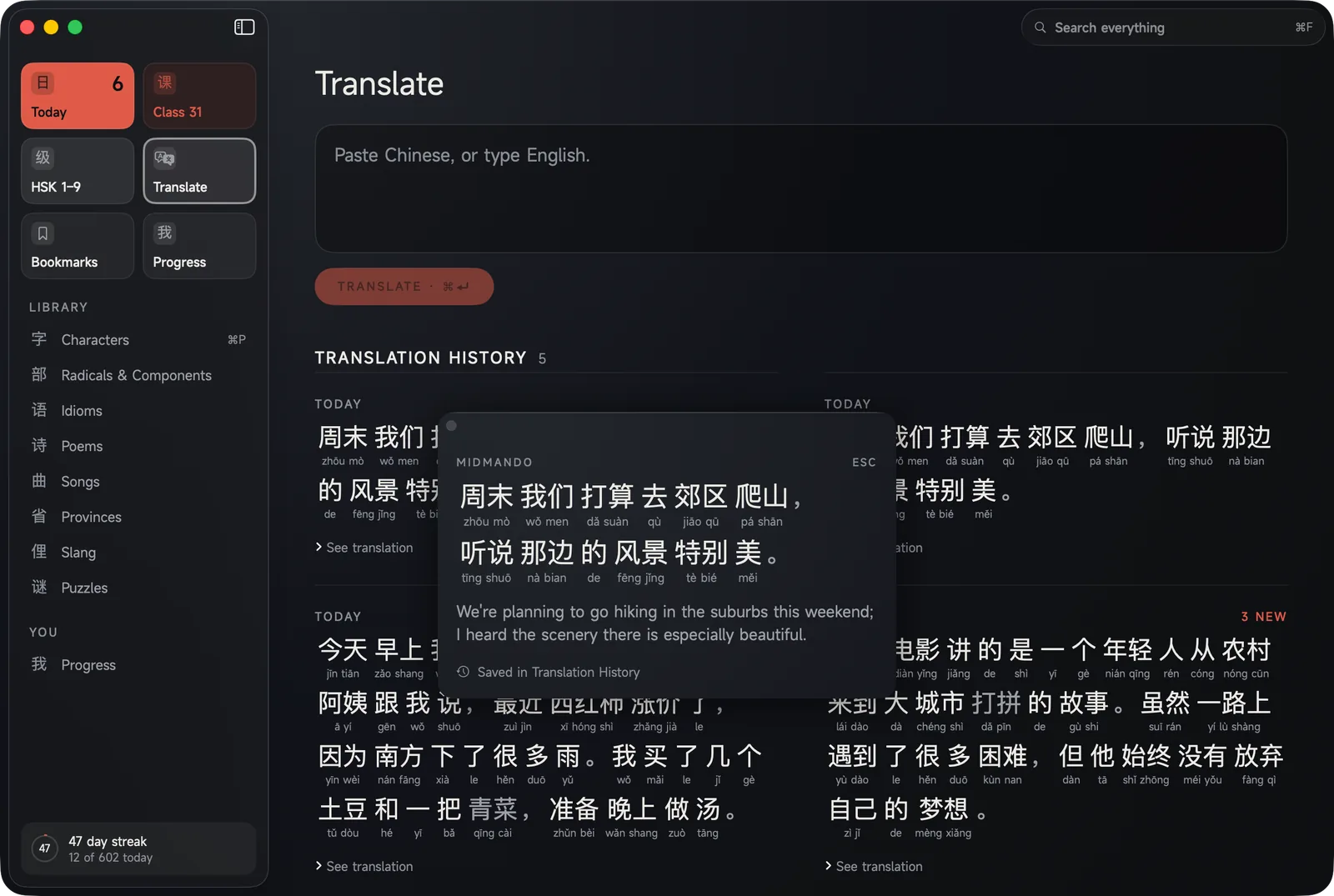
Select Chinese. Press ⌘⇧M. Keep reading.
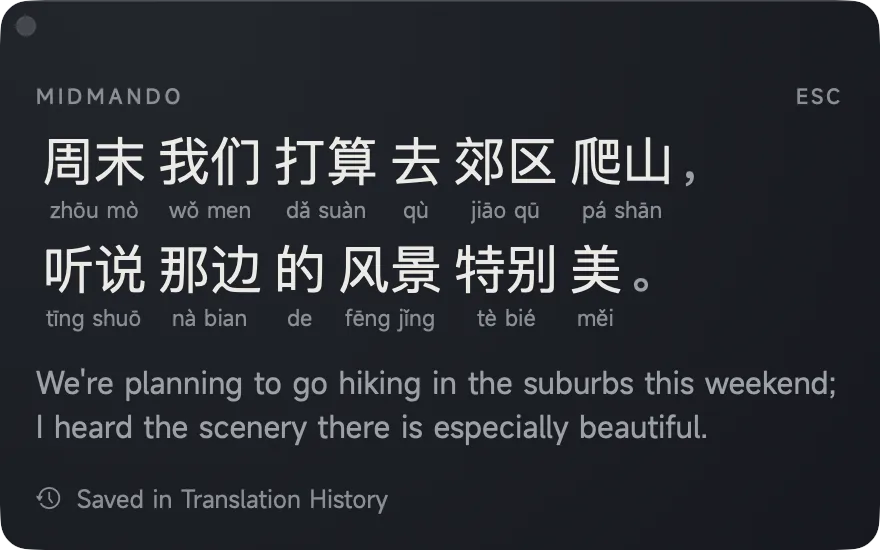
It works in every app, not just mine: a browser, Mail, Messages, a PDF, a chat window. Select the Chinese and press ⌘⇧M, or right-click and choose Translate with MidMando. A small panel comes forward with the sentence broken into words, the reading under each one and the English underneath. Press Escape and it disappears.
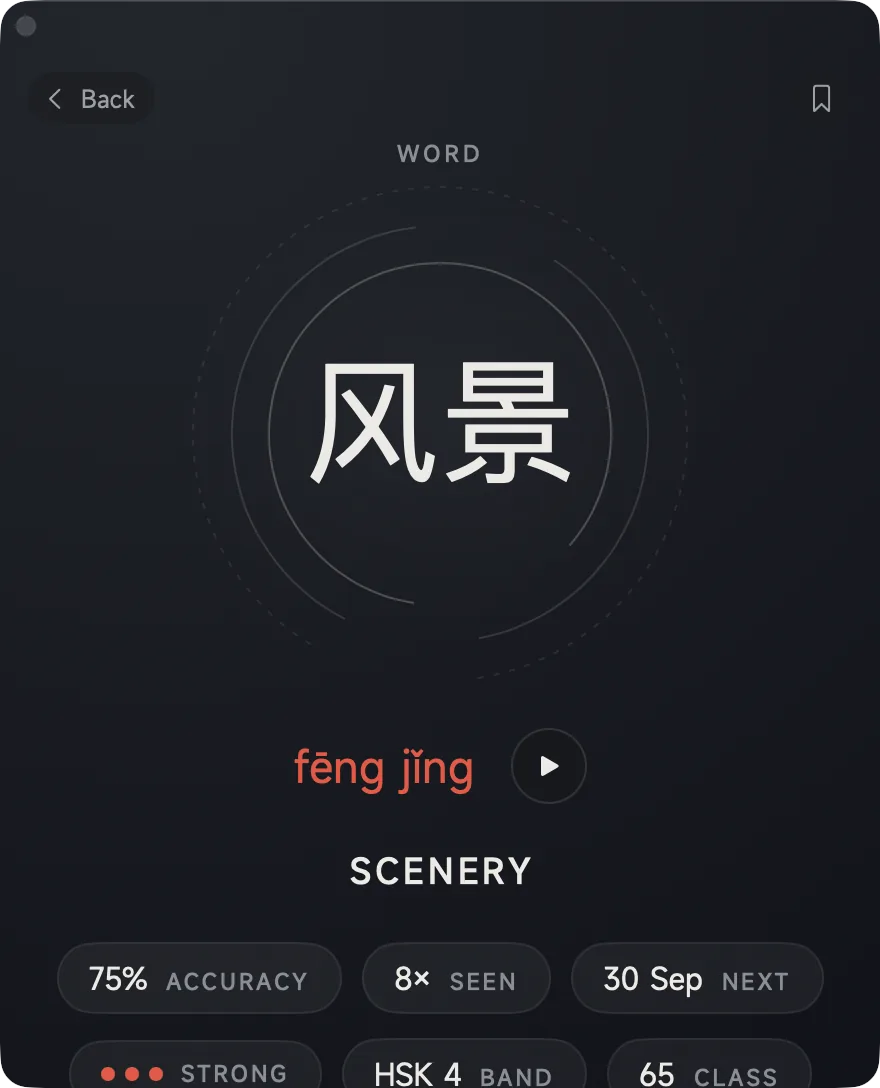
MidMando never steals focus while it does this. The window you were reading keeps its selection and its scroll position, so a lookup costs you nothing. Click any word in the panel and you get its page: how it is read, what it means, how well you know it, and a button to keep it. Everything you look up is in your Translation History, which means it is on your phone that evening.
The keyboard shortcut is only a starting suggestion. It lives in System Settings under Keyboard Shortcuts, so you can change it or take it away — an app that grabbed a shortcut for itself and would not give it back is not a good neighbour.
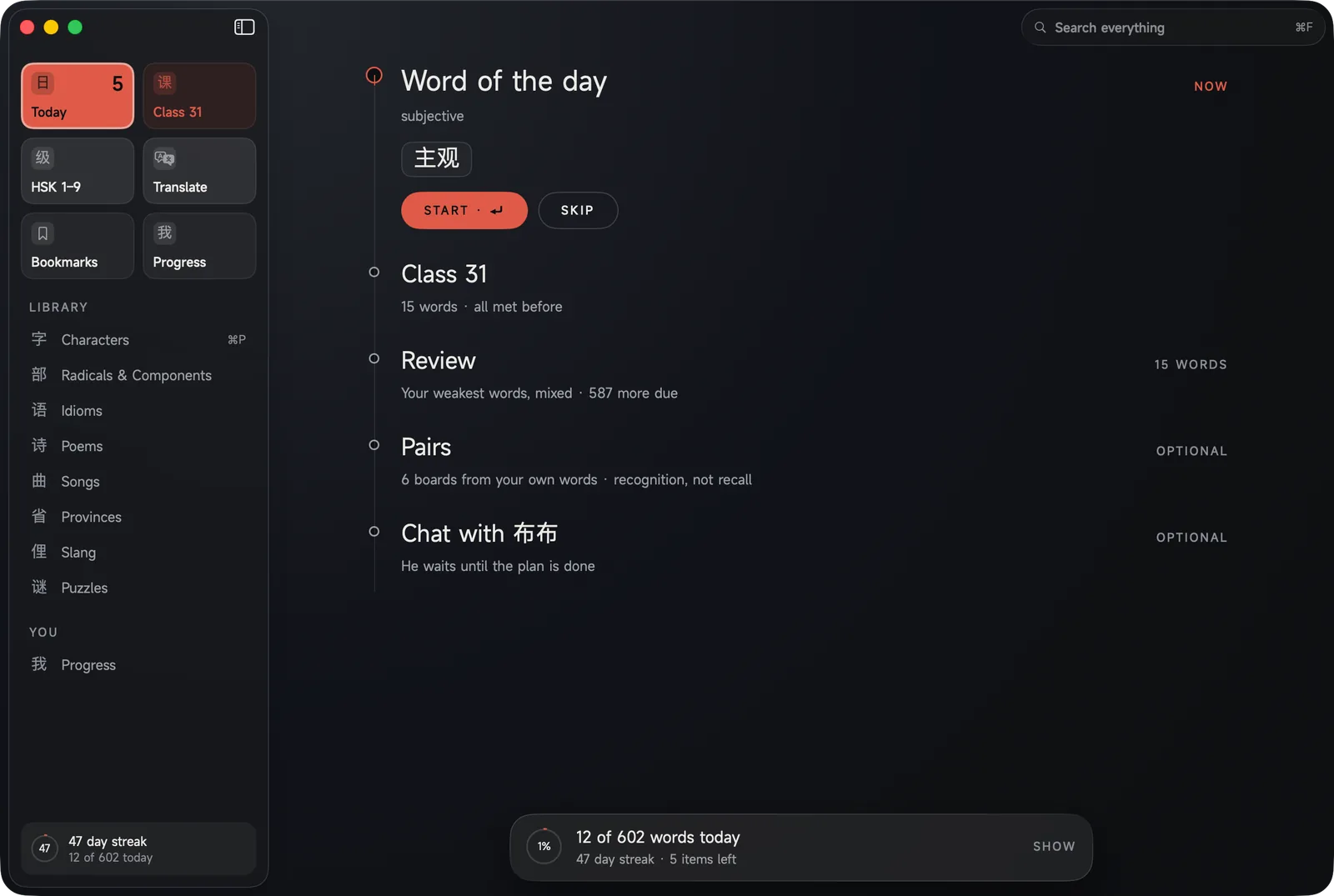
Your day, in one window.
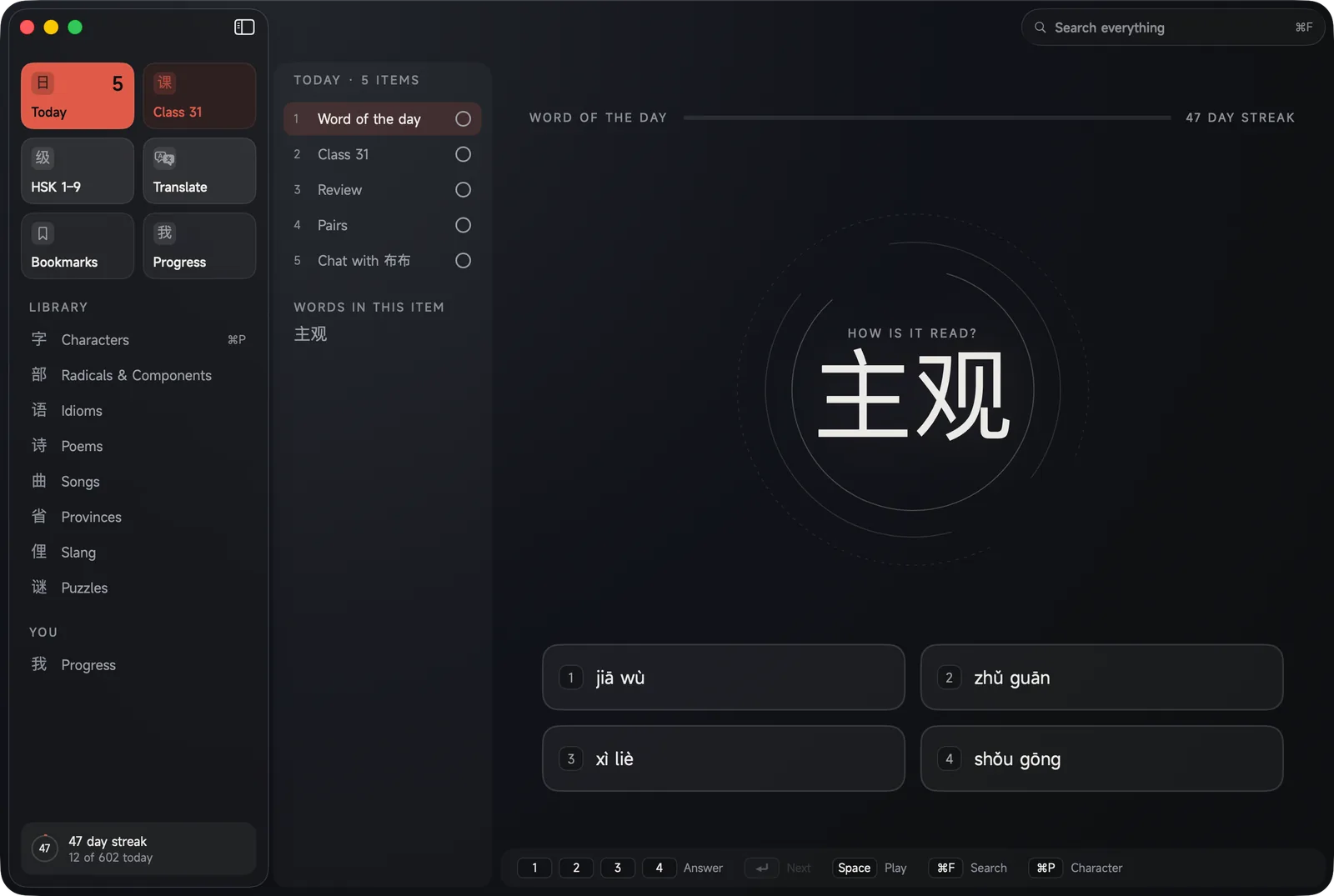
The phone gives you the plan one card at a time because that is all a phone can hold. The Mac gives you all of it: the word of the day, your next class, your bookmarks, whatever is slipping, the pairs you keep confusing — every item in order, what is done struck through, and the one you are on given the room. A number in the corner tells you what is left.
Four answers, four keys.
Questions are numbered 1 to 4. Press the number. Space plays the word, Return takes the next one, ⌘F searches, ⌘P opens a character. The shortcuts sit along the bottom of the window so you never have to learn them on purpose. When the question is to write a character, you type it, which on a Mac is what writing Chinese actually is.
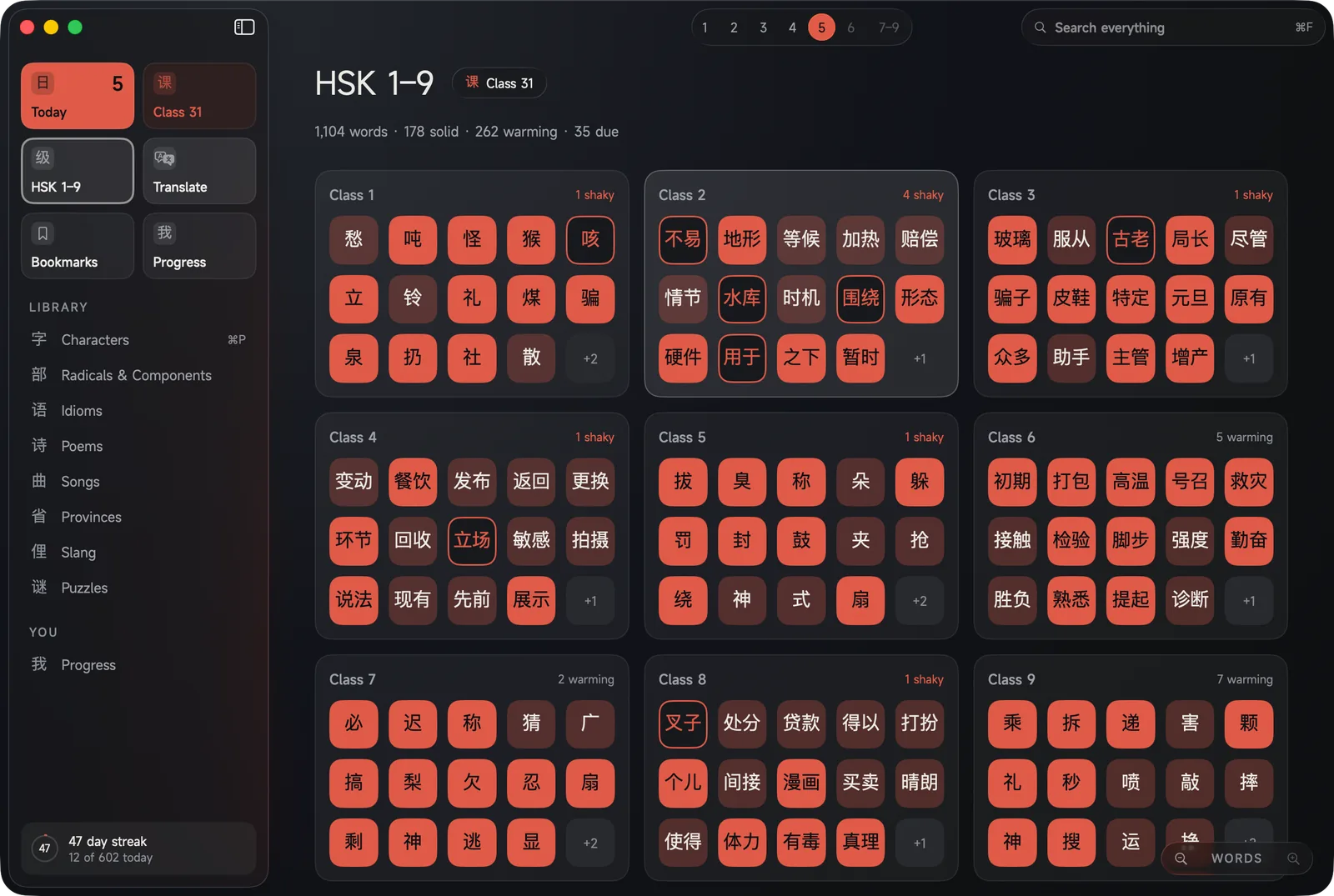
Every level, as far out or as close in as you want.
11,323 words from HSK 1 to 9. Zoom out with a pinch on the trackpad and you see every level at once; zoom in and you get one level's classes; in again and you get the words of a class, each one coloured by how well you know it. Every class has nine parts, from meeting the words to a test that opens the next class.
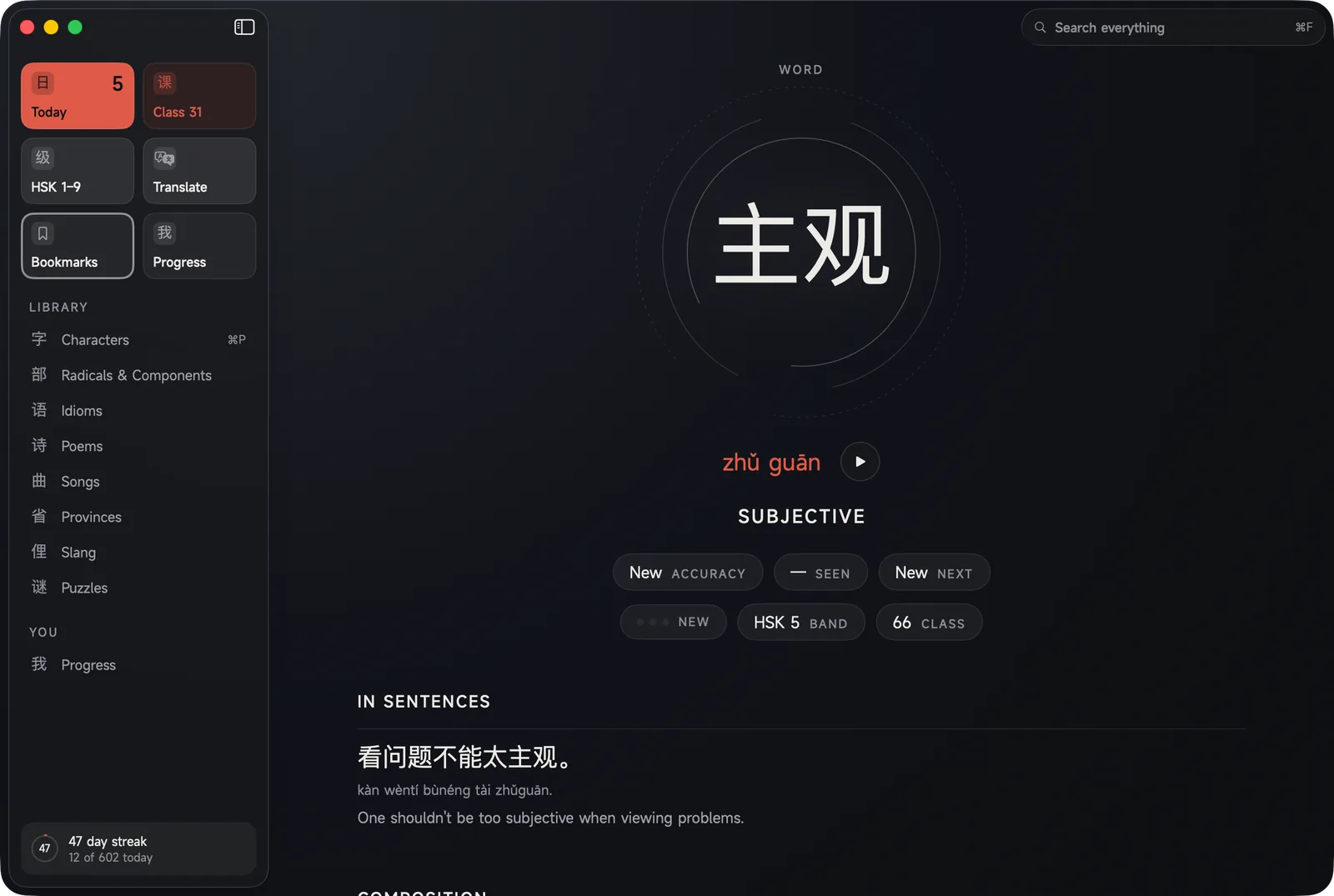
Every Hanzi has a profile.
Click any character anywhere in the app — in a sentence, in a lyric, in the lookup panel — and you get its profile. The character large, how it is read with the audio, what it means, the sentences it lives in, the pieces it is built from, and your own history with it. Hovering a sentence greys the one word under the pointer and shows its reading, which is something only a machine with a pointer can do.
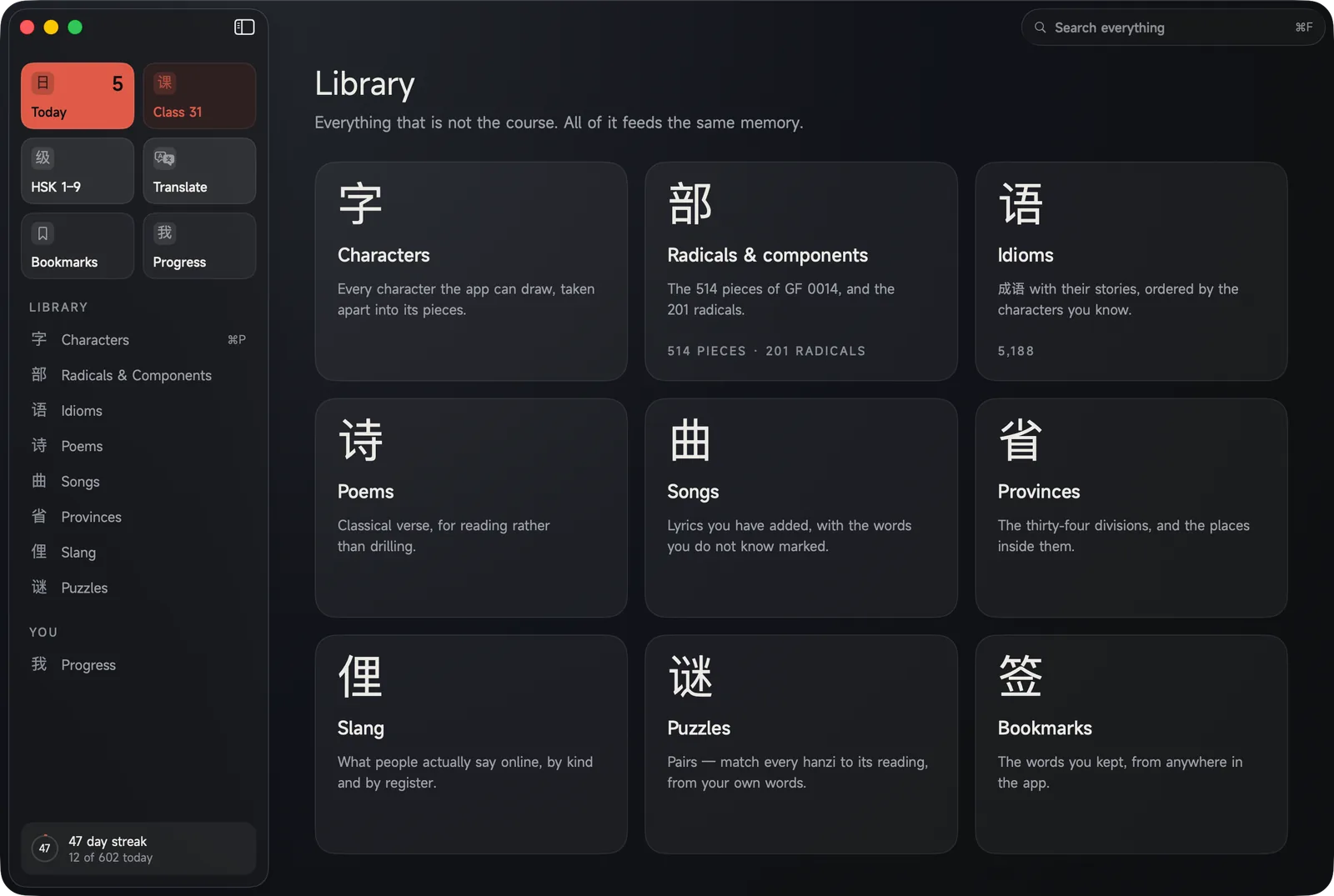
Nine shelves, all of it feeding the same memory.
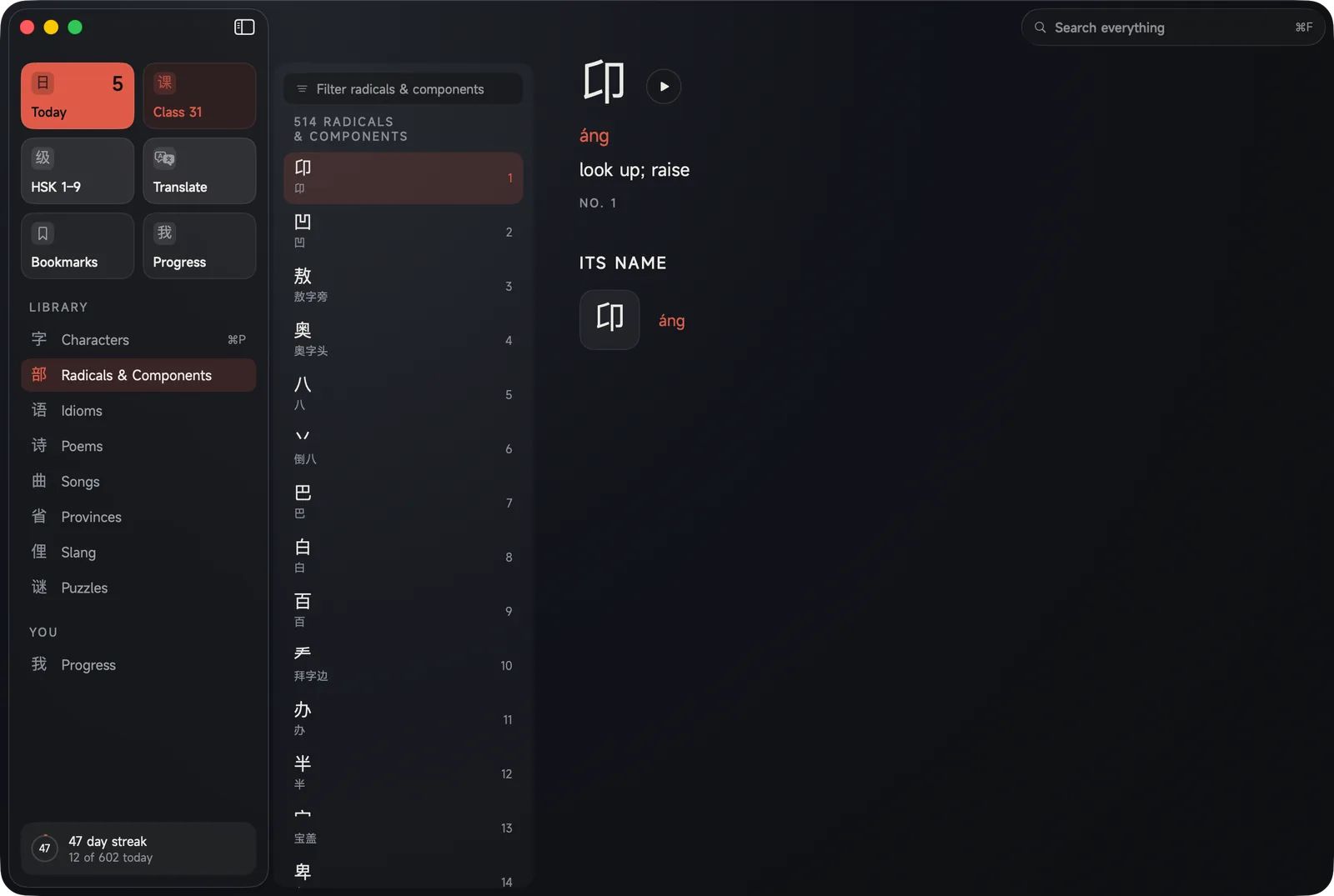
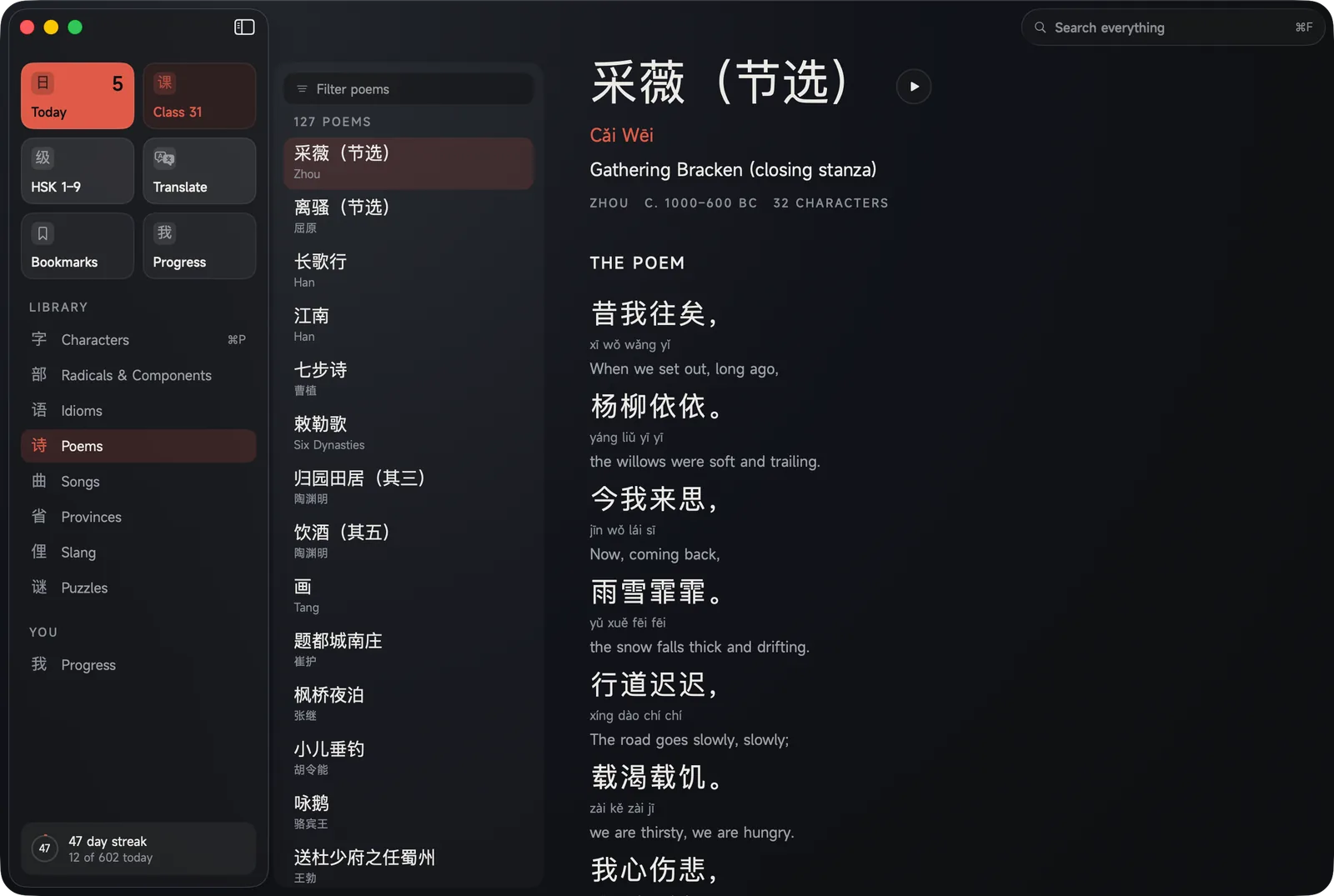
Characters and the 514 components they are built from, 5,188 idioms with their stories, 127 classical poems with a plain English line beside every Chinese one, the 34 provinces, slang and texting, songs, games, and every word you ever bookmarked. A word you meet in a poem counts towards the one in your class, because there is only one memory underneath.
Start on the Mac, carry on standing up.
Your progress, your bookmarks, your translation history and your streak move between your Mac, your iPhone and your iPad through your own private iCloud. There is no account to make and no server of mine in the middle. I never see any of it.
Free on every device, and I want to hear from you.
One download, no subscription, nothing to unlock, on all three. What I want instead is to know what would make it better — what confused you, what you wish it did, what you would show a friend. There is a Report a bug button inside the app and a feedback page on this site, and every message is read by the person who makes it.
Send feedback